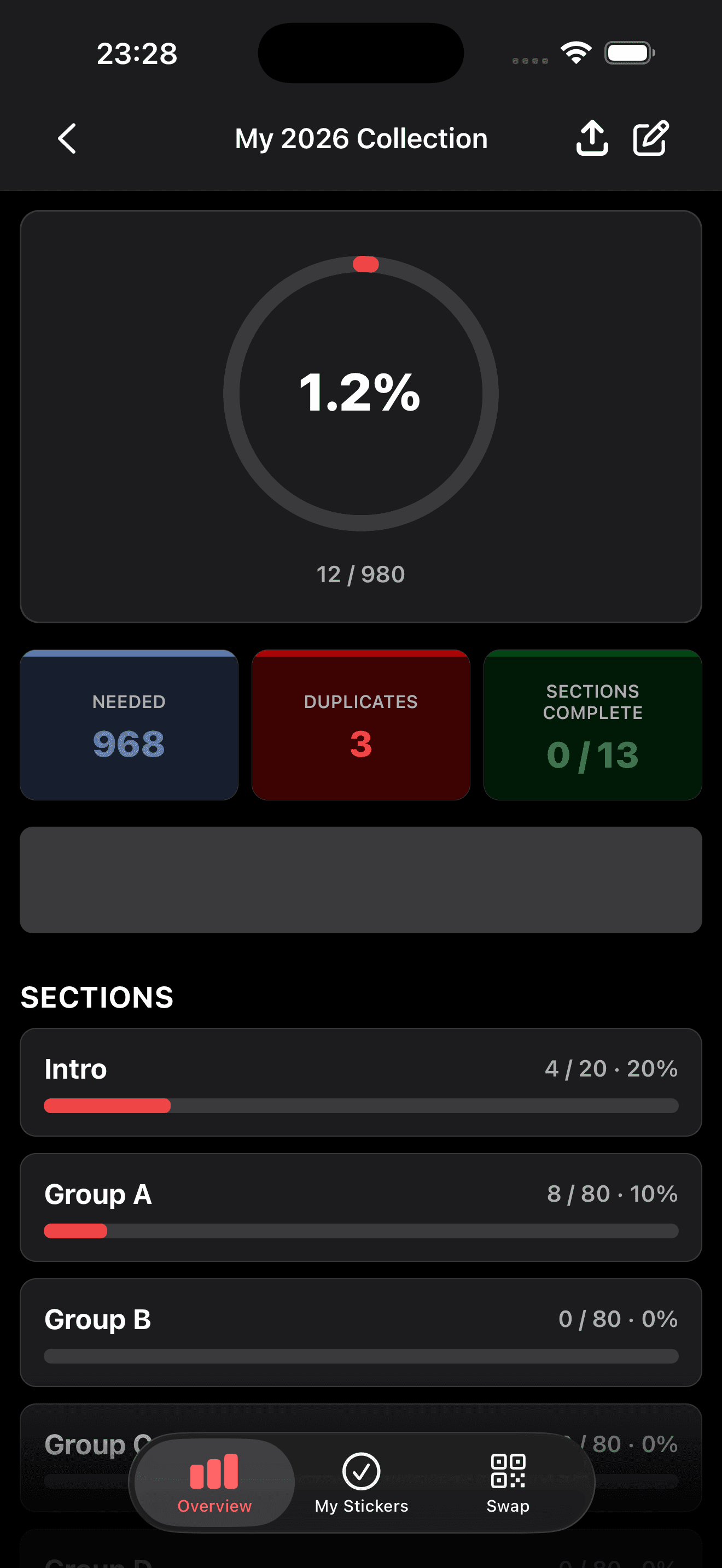
Progress dashboard
See how close you are to completing your album with overall and section-level progress bars.
- Color-coded section progress cards on the dashboard
- Overall completion percentage at a glance
- Quick access to each album section
Explore the app
Track albums, manage stickers, swap via QR, and customize the app — all offline on your device.
Progress dashboard
See how close you are to completing your album with overall and section-level progress bars.
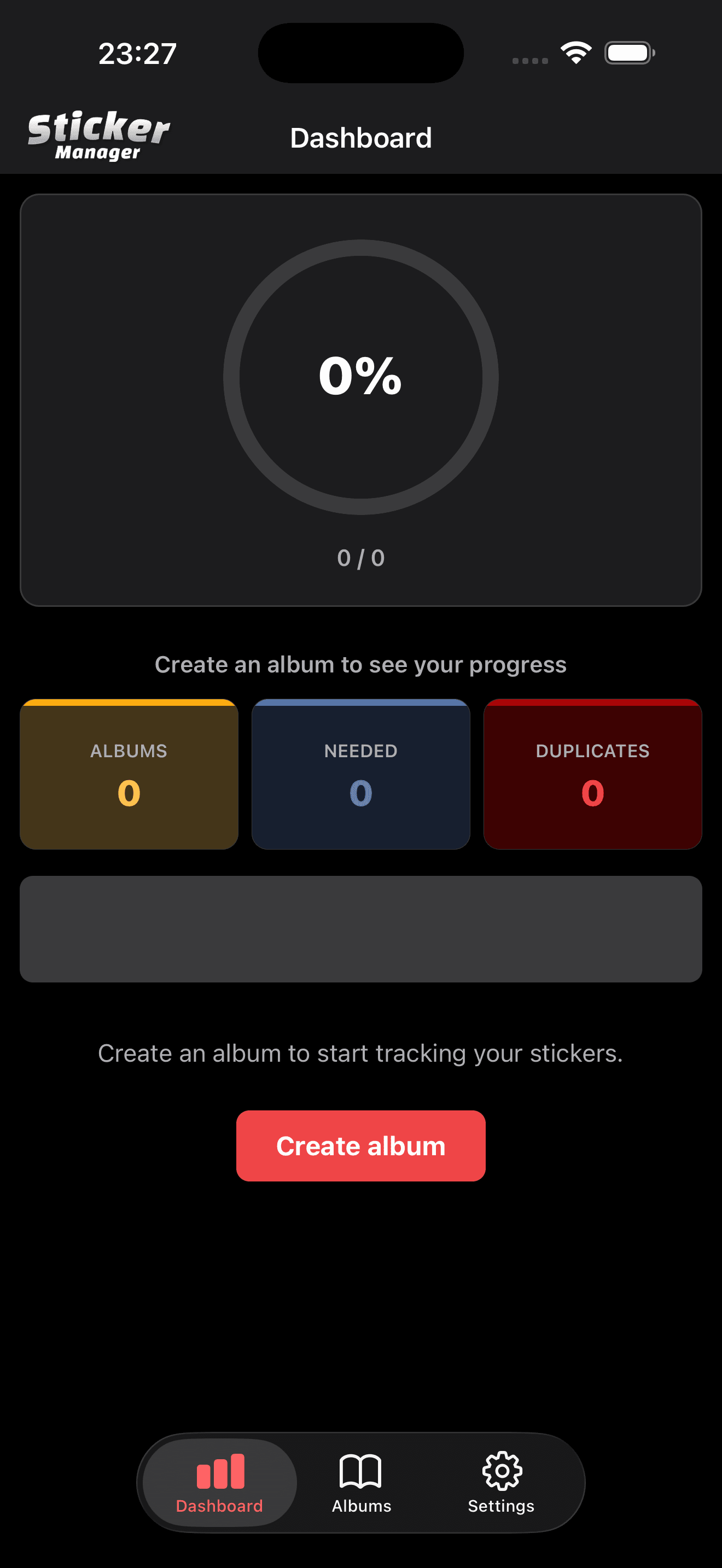
Multiple albums
Create and manage several album instances — one per person, edition, or collection goal.
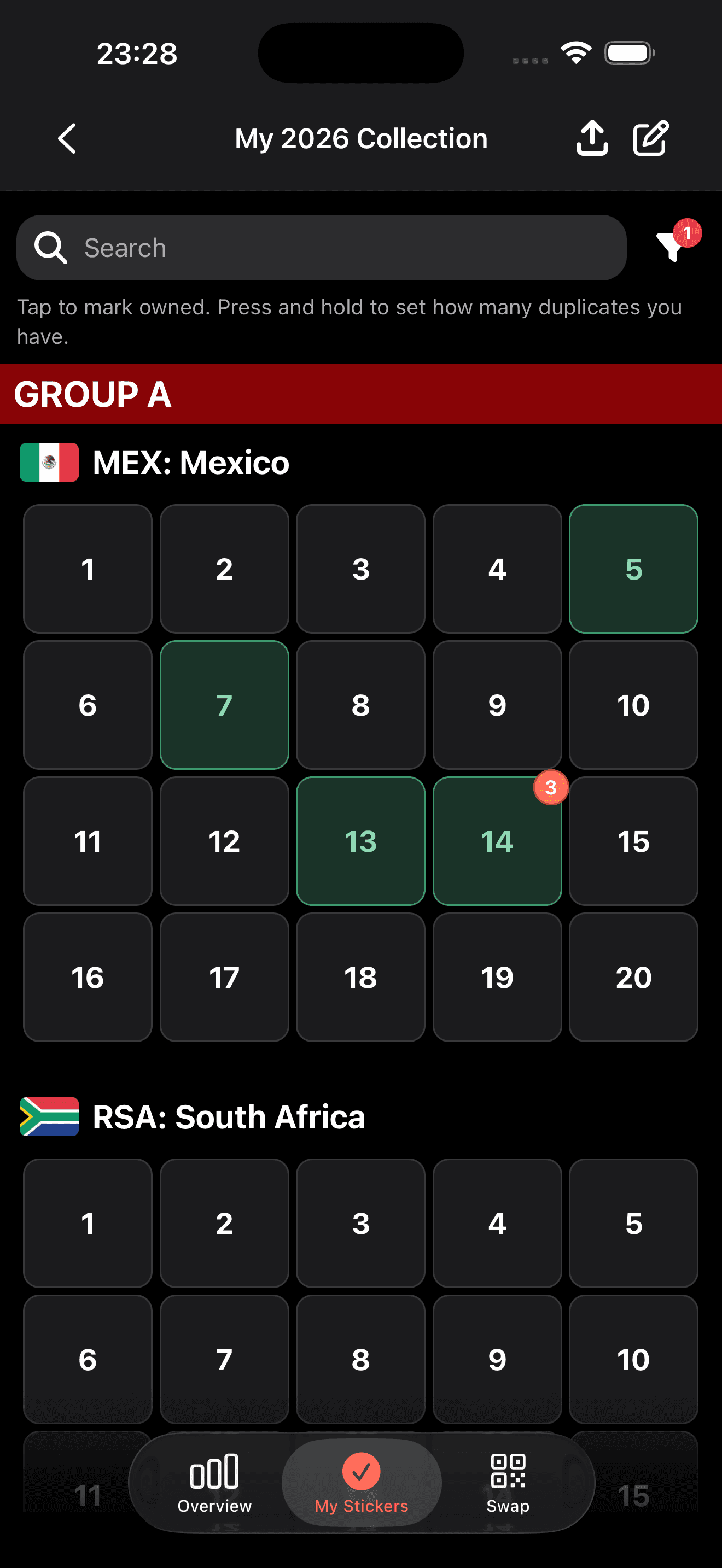
Sticker grid & filters
Browse your album with unified filters for owned, needed, and duplicate stickers.
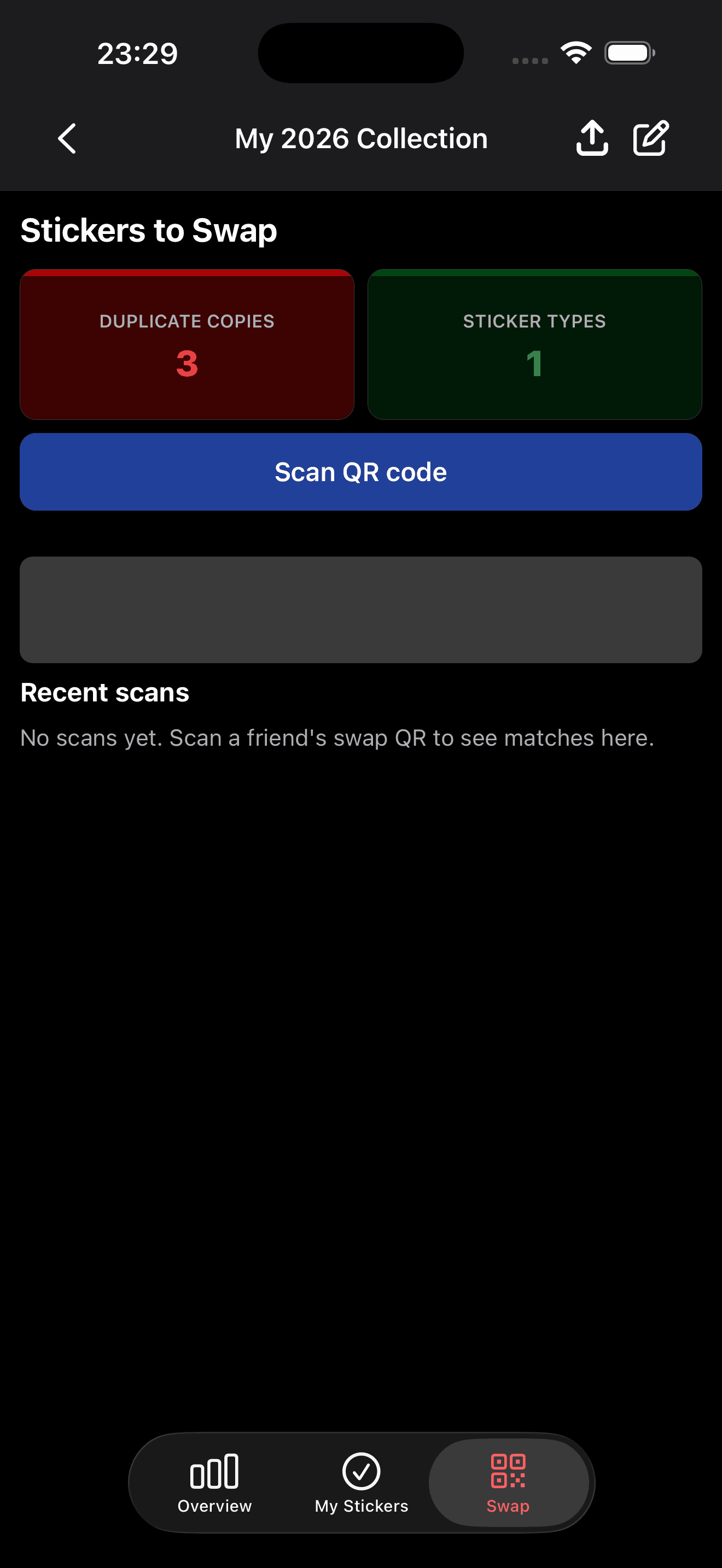
Swap hub & QR scan
Meet up with friends and trade stickers using QR codes — bidirectional matching finds fair swaps.
See how close you are to completing your album with overall and section-level progress bars.
Create and manage several album instances — one per person, edition, or collection goal.
Browse your album with unified filters for owned, needed, and duplicate stickers.
Meet up with friends and trade stickers using QR codes — bidirectional matching finds fair swaps.
Available on iOS and Android. Start tracking your album in minutes.